1. Log in to your cPanel account.
2. In the Software section, click on Select PHP Version.

3. Click on the Extensions menu.
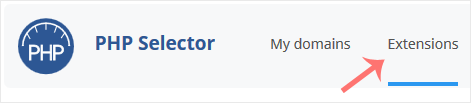
Note: If the Extensions page shows an error related to the native PHP version, change it to a non-native version first.
4. Checkmark the ioncube_loader. Once enabled, it will display a success message.
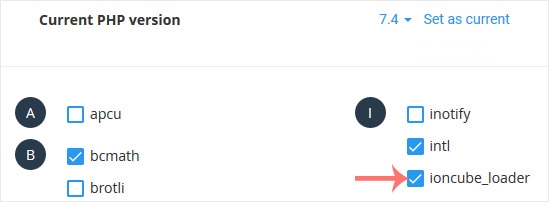
The message will read that the module ionCube Loader is saved.