

WordPress websites are prime targets for hackers, making security a critical concern for site owners. As WordPress continues to dominate the web, it’s essential to have the best security measures in place to protect your content, user data, and SEO rankings. Fortunately, WordPress security plugins can help safeguard your site from various threats.
In this article, we will explore the top 5 best WordPress security plugins for 2026 (both free and paid) that integrate the latest in cybersecurity technology, including AI-driven threat detection and SEO protection. These plugins will not only keep your site secure but also ensure that your search engine optimization efforts remain intact.
Why Do You Need a WordPress Security Plugin?
As one of the most popular content management systems, WordPress powers a large share of websites worldwide. This popularity, however, also makes it a prime target for hackers and malicious attacks. Without proper security measures, your website is vulnerable to threats like malware, brute-force attacks, data breaches, and even full-site takeovers.
A WordPress security plugin acts as a shield, protecting your site from these risks by providing features like firewalls, malware scanning, login protection, and real-time threat monitoring. These tools help you identify and block attacks before they can compromise your site’s integrity.
Moreover, a security plugin offers peace of mind by automating essential tasks that would otherwise require constant manual oversight. Regular software updates, security scans, and login attempt tracking are just a few features that a security plugin handles efficiently. Using one minimizes the risk of human error and ensures your WordPress site remains secure even when you’re not actively monitoring it.
With the increasing sophistication of cyberattacks, investing in a robust security plugin is not just a best practice—it’s essential for safeguarding your online presence.
Several Factors Driving the Need for Stronger WordPress Protection
The increasing sophistication of cyberattacks, the growing popularity of WordPress, and the need to protect sensitive data drive the demand for stronger website security. Security plugins are essential for defending against evolving threats, ensuring compliance, and safeguarding SEO and reputation.
- Rising Cybersecurity Threats: As the digital landscape evolves, so do the tactics used by cybercriminals. Hackers are becoming more sophisticated, targeting WordPress sites with advanced malware, phishing attacks, and brute force attempts. As a result, stronger protection is needed to counter these evolving threats and safeguard sensitive data.
- Increased Popularity of WordPress: WordPress powers over 40% of websites globally, making it a prime target for attackers. The more popular a platform is, the more it attracts malicious actors looking to exploit vulnerabilities. As WordPress continues to grow, ensuring robust security measures becomes even more critical.
- Sensitive Data Protection: Many WordPress sites handle sensitive customer data, including personal information, credit card details, and login credentials. A data breach or cyberattack can result in severe financial and reputational damage. Strong security plugins help protect this valuable data from unauthorized access.
- SEO and Reputation Risks: Malware infections can negatively impact SEO rankings by causing blacklisting from search engines like Google. If your site is flagged for malware, it can result in significant traffic loss and a damaged reputation. Security plugins that offer malware scanning and removal help mitigate these risks and maintain your site’s SEO health.
- Compliance with Regulations: Many businesses are subject to data protection regulations, such as GDPR, CCPA, or PCI-DSS, depending on the nature of their operations. These regulations mandate specific security standards to protect user data. WordPress security plugins help ensure compliance with these regulations by providing tools like encryption, activity logging, and secure user authentication.
- Growing Number of Automated Attacks: Automated bots are a major threat, performing tasks like credential stuffing, spam injections, and scraping content. These attacks happen at scale and can overwhelm websites without proper defenses. Security plugins with bot protection and CAPTCHA features help block these automated attacks and prevent site disruption.
- Lack of Technical Expertise: Not all WordPress users are security experts, and many website owners may lack the technical know-how to implement advanced security measures manually. Security plugins simplify the process by offering easy-to-use tools and automated protection, allowing users to secure their sites without requiring specialized knowledge.
- Vulnerabilities in Themes and Plugins: While WordPress itself is a robust platform, third-party themes and plugins can introduce vulnerabilities. Malicious actors often exploit these weaknesses to gain unauthorized access to websites. Regular security scans and updates from plugins help detect and fix these vulnerabilities before they can be exploited.
WordPress Security Plugins Contribute to Website Protection
WordPress security plugins play a crucial role in protecting websites from a variety of threats. Here’s how they contribute to the overall security of your WordPress site:
- Firewall Protection: Many security plugins include a firewall (WAF) to block malicious traffic before it even reaches your site. This helps protect against common attacks like DDoS (Distributed Denial of Service), SQL injection, and cross-site scripting (XSS).
- Malware Scanning and Removal: Security plugins scan your site for malware, viruses, and other harmful code that could compromise your site’s integrity. Premium plugins often include automatic malware removal, preventing prolonged infections that could damage your reputation or functionality.
- Brute Force Attack Protection: Brute force attacks involve hackers trying to guess your login credentials. Plugins add protection by limiting login attempts, blocking IP addresses after several failed attempts, and implementing CAPTCHA or two-factor authentication (2FA).
- Real-Time Threat Detection: With AI and machine learning, some security plugins can now detect threats in real-time, adapting to new attack vectors. They learn from emerging cyber threats and proactively protect your site from evolving risks.
- Backup and Recovery: Regular backups are essential for recovery in case of a security breach. Many plugins automatically back up your site and allow you to restore it to a clean version if an attack occurs.
- SEO Protection: Security plugins help prevent malware that can negatively affect your website’s SEO. They monitor your site for blacklisting by search engines and provide tools to resolve issues that could harm your search engine ranking.
- Activity Monitoring and Alerts: Plugins monitor user activity, alerting administrators of any suspicious behavior, like unusual login times or changes to files. This proactive monitoring helps catch potential threats before they escalate.
- Database and File Integrity Protection: Some security plugins monitor changes in the database or core WordPress files. This ensures that no unauthorized modifications are made, which could lead to vulnerabilities or backdoors.
The Top 5 WordPress Security Plugins in 2026
In 2026, securing your WordPress website has become easier and more efficient with plugins that integrate advanced AI and machine learning technologies. Whether you’re looking for an all-in-one security solution or a simple, cost-effective protection method, there are a variety of plugins to choose from, each offering unique features tailored to modern cyber threats. Here’s a closer look at the best WordPress security plugins to keep your site safe in 2026.
1. Wordfence Security (Free & Paid)
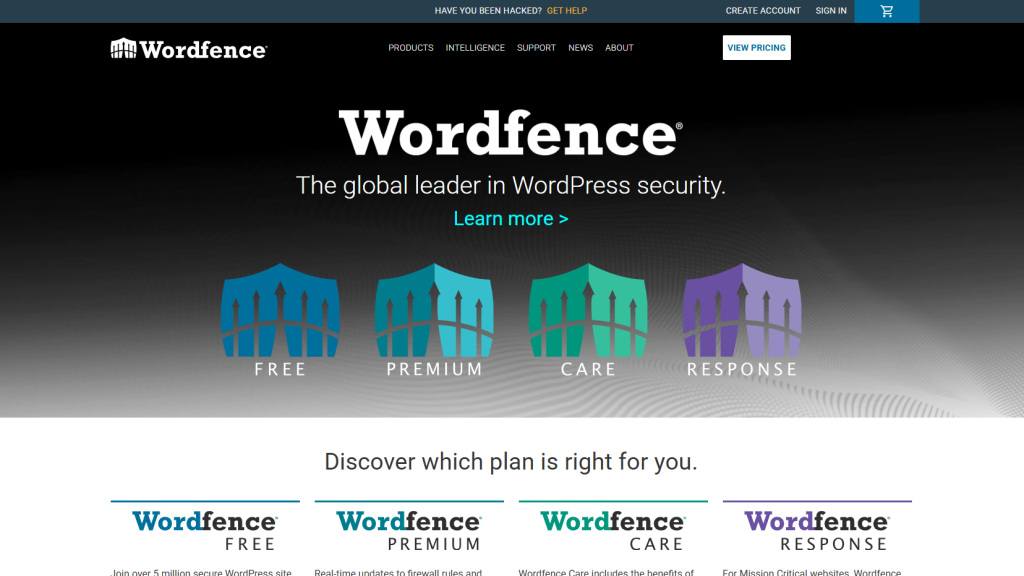
Wordfence is one of the most widely used security plugins for WordPress. It offers a comprehensive suite of features, including firewall protection, malware scanning, and brute force protection. In 2026, Wordfence incorporated AI-based threat detection, allowing it to identify new threats faster and more accurately.
- Firewall Protection: Blocks malicious traffic in real-time.
- Malware Scanning: Identifies malware, backdoors, and vulnerabilities.
- Brute Force Protection: Prevents brute force login attacks.
- AI-Powered Threat Detection: Improves detection accuracy by learning from emerging threats.
- SEO Benefits: Protects against malware that could harm your site’s SEO and prevent blacklisting.
Pricing
- Free Plan: Includes basic protection like firewall, malware scanning, and brute force defense.
- Premium Plan: Starts at $99/year and adds features like real-time malware signature updates, country blocking, and priority support.
Wordfence is ideal for users seeking a robust security solution with a mix of free and premium features. Its advanced AI integration offers cutting-edge protection, making it a must-have for 2026.
2. Sucuri Security (Free & Paid)
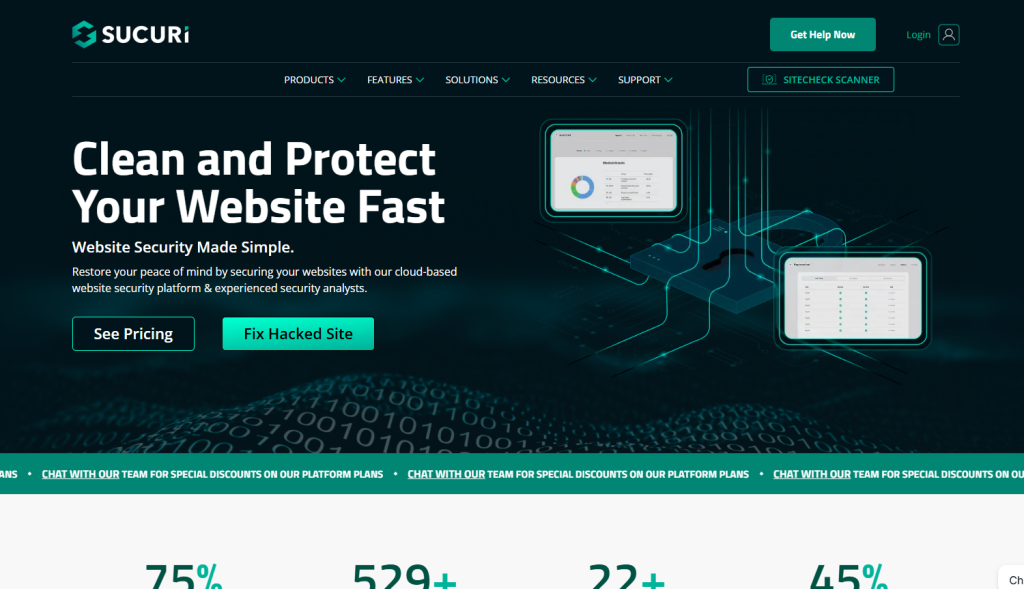
Sucuri has been a leading name in website security for years, known for its strong focus on malware detection and website monitoring. The plugin has evolved to integrate AI-based threat intelligence in 2026, offering better protection against modern cyberattacks. It also provides cloud-based firewall protection to safeguard your WordPress site further.
- Cloud-based Firewall (WAF): Protects your site from DDoS attacks and malicious traffic.
- Malware Scanning & Removal: Scans for and removes malware (premium version includes automatic removal).
- SEO Protection: Prevents your site from being blacklisted by Google due to security issues.
- AI-Powered Threat Intelligence: Identifies and blocks threats in real-time, adapting to new attack vectors.
Pricing
- Free Plan: Includes malware scanning, activity auditing, and basic hardening.
- Premium Plan: Starts at $199.99/year and adds advanced features like firewall protection and automatic malware removal.
Sucuri is an excellent choice for those who need advanced cloud protection and SEO monitoring alongside traditional security measures. Its focus on site performance and malware removal makes it a reliable option for serious website owners.
3. iThemes Security (Free & Paid)
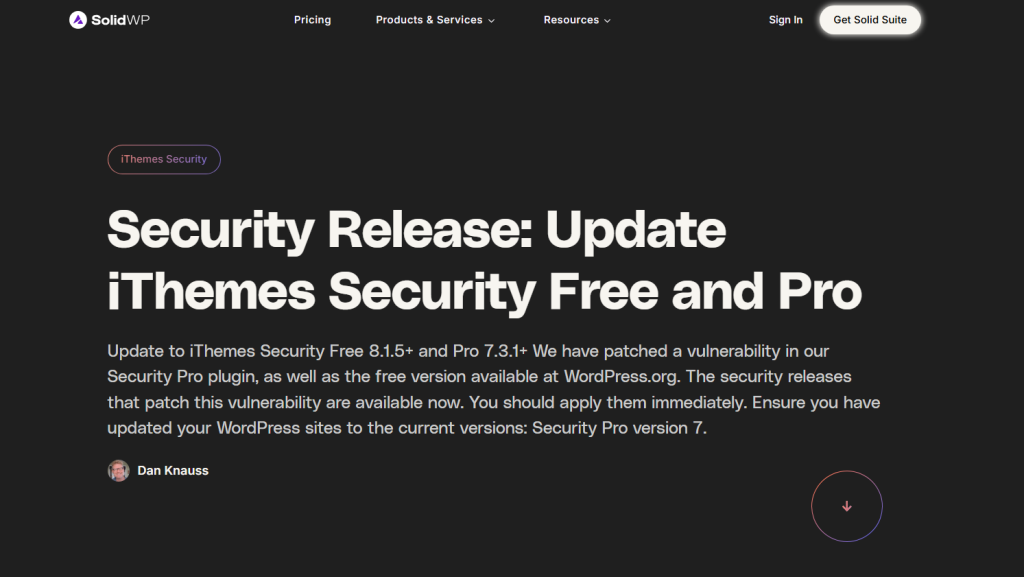
iThemes Security is known for its easy-to-use interface and robust security features. It helps WordPress users secure their websites from attacks like brute force, malware, and login attempts. With the integration of machine learning and AI, iThemes Security can anticipate and block potential attacks, offering an additional layer of protection in 2026.
- Two-Factor Authentication (2FA): Adds an extra layer of protection to the login process.
- Brute Force Protection: Automatically blocks IP addresses with multiple failed login attempts.
- File Change Detection: Monitors file changes on your site and alerts you to suspicious modifications.
- AI-Powered Threat Prevention: Uses machine learning to prevent attacks before they occur.
SEO Protection: Prevents SEO penalties by keeping your site free from malware and malicious attacks.
Pricing
- Free Plan: Includes essential features such as brute-force protection, 2FA, and file-change detection.
- Pro Plan: Starts at $80/year and includes features such as malware scanning, backups, and real-time threat detection.
iThemes Security is a great choice for users looking for a comprehensive, easy-to-implement solution. The integration of machine learning helps the plugin stay ahead of emerging threats, making it a smart choice for 2026.
4. All In One WP Security & Firewall (Free)
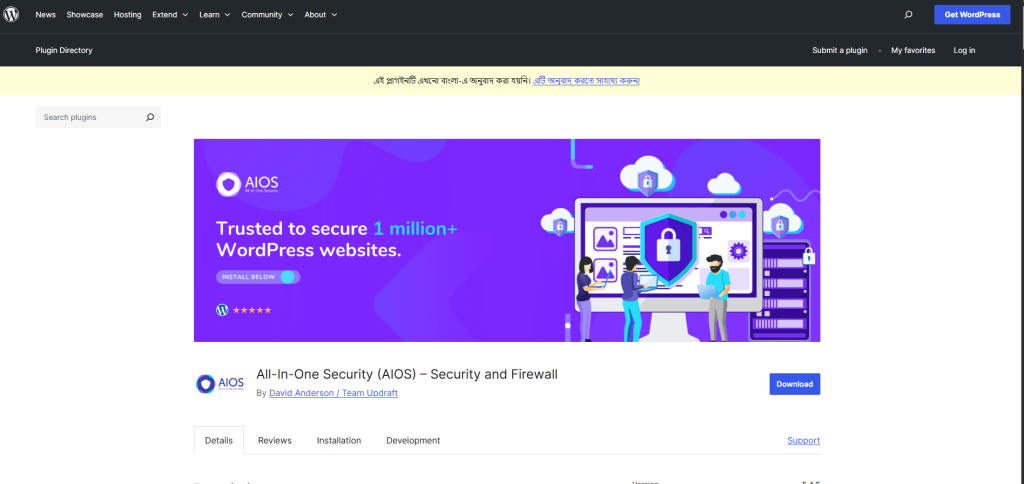
As the name suggests, All In One WP Security & Firewall offers a complete suite of features for securing WordPress sites. It is a completely free plugin that provides a variety of tools to protect your website from cyber threats. While it doesn’t include AI-based features, it remains a solid choice for basic to intermediate users.
- Firewall Protection: Helps block a range of potential threats and attacks.
- Brute Force Protection: Blocks suspicious login attempts.
- User Account Security: Manages user roles and capabilities to reduce vulnerabilities.
- Database Security: Provides database security enhancements like changing table prefixes.
- SEO Protection: Ensures your SEO efforts aren’t affected by malware or other security breaches.
Pricing
This plugin comes with both a premium and a free version. This is a popular free plugin among users. However, if you want, you can buy the premium, licensed version of this plugin, which includes additional features you might find handy.
If you’re looking for a comprehensive, free security plugin, this is an excellent choice. Its ease of use and wide range of features make it a top pick for small businesses and personal sites.
5. MalCare Security (Paid)
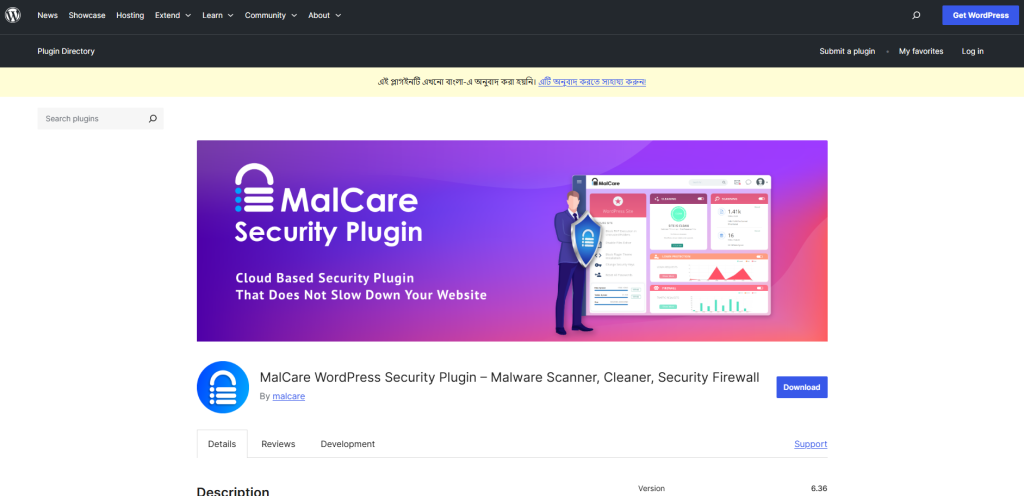
MalCare is a premium security plugin that utilizes AI-powered malware scanning to offer real-time protection. It is specifically designed for WordPress users who want a hands-off security solution. MalCare’s unique selling point is its one-click malware removal, making it incredibly user-friendly.
- AI-Powered Malware Scanner: Detects even the most sophisticated malware and vulnerabilities.
- One-Click Malware Removal: Quickly removes malware from your site without affecting performance.
- Real-Time Firewall Protection: Blocks malicious traffic before it reaches your site.
- SEO Monitoring: Ensures your site maintains healthy SEO by preventing malware infections.
- Performance Optimization: A lightweight plugin that doesn’t impact your site’s speed.
Pricing
- Premium Plan: Starts at $99/year, offering advanced features like real-time scanning and automatic malware removal.
MalCare is perfect for users who want a hands-off security solution with minimal maintenance. The AI-powered malware scanning and easy-to-use interface make it one of the best options for 2026.
Common Queries On Choosing WordPress Security Plugins
Here are the answers to some of the most frequently asked questions about WordPress Security Plugins
1. Do I really need a WordPress security plugin if my host already provides protection?
Yes. While many hosting providers include some security features, they often focus on the server level (like firewalls or malware monitoring). A dedicated plugin adds site-level protection such as brute force prevention, file change monitoring, and login security — giving you a second line of defense.
2. Can I use more than one security plugin at the same time?
It’s not recommended. Running multiple security plugins can cause conflicts, duplicate features, and unnecessary server load. Instead, choose one comprehensive plugin (like Sucuri or Wordfence) and supplement with a backup plugin if needed.
3. What’s the difference between a cloud firewall and an endpoint firewall?
A cloud firewall (like Sucuri) filters traffic before it ever reaches your hosting server, reducing server load and blocking threats earlier. An endpoint firewall (like Wordfence) runs on your WordPress site itself, which offers more granular control but can use more server resources.
4. Which is the best free WordPress security plugin?
All-In-One Security (AIOS) is our top free pick because it includes essential hardening tools, login protection, and file monitoring with no upsell barrier. If you want a free option with scanning and firewall features, Wordfence also offers a robust free version.
5. What should I do if my WordPress site is already hacked?
If you’re already hacked, choose a plugin that includes cleanup — like Sucuri or MalCare. Both offer one-click malware removal in paid plans. You’ll also want to change all admin passwords, update plugins and themes, and restore from a clean backup if possible.
Selecting the Best WordPress Security Plugin for 2026
The best WordPress security plugins in 2026 cater to a variety of needs, ensuring comprehensive protection for all types of site owners.
Undoubtedly, Wordfence continues to be the top all-in-one solution, offering robust protection with a powerful firewall, real-time malware scanning, and login security. Sucuri, on the other hand, leads with its cloud-based approach, offering DDoS protection and CDN integration to stop threats before they hit your site. Similarly, iThemes Security stands out for its user-friendly setup, making it ideal for beginners with features like automated backups and two-factor authentication.
For budget-conscious users, All In One WP Security & Firewall provides essential security features for free, while MalCare leverages AI to automatically identify and remove malware, offering advanced protection with minimal manual intervention.
Ultimately, your choice depends on your website’s specific needs, whether it’s basic security, a comprehensive premium solution, or cutting-edge AI protection.