
How to login cPanel Using client area
First log into your GotMyHost client area account to Login cPanel using client area. 2. Select the hosting of the domain that you want to log in. 3. Click on Log into Cpanel. And that’s all. A new tab will open…

First log into your GotMyHost client area account to Login cPanel using client area. 2. Select the hosting of the domain that you want to log in. 3. Click on Log into Cpanel. And that’s all. A new tab will open…

1. Log into your Gmail account and go to settings for adding Web mail with Gmail. Login Into your Gmail 2. Go to Accounts and Import, go to Check email from other accounts, and click on Add an email account…
1. Log in to your cPanel to show cPanel hidden files 2. By default, when you use the File Manager in cPanel, it doesn’t show hidden files. Hidden files are any file that begins with a dot, such as .htaccess. .htaccess is a…
1. This content is about creating an FTP account in Cpanel. FTP user accounts have direct access to your website’s files. They can upload, download, delete, and change permissions on most files in the directories they have access to. Most…
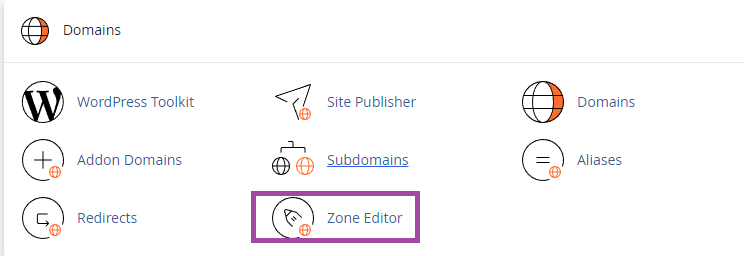
1. Log into the cPanel of the domain, search “zone” and go to Zone Editor to manage DNS Records from cPanel Zone Editor. 2. You will find an option to record and manage records here to manage DNS Records from…
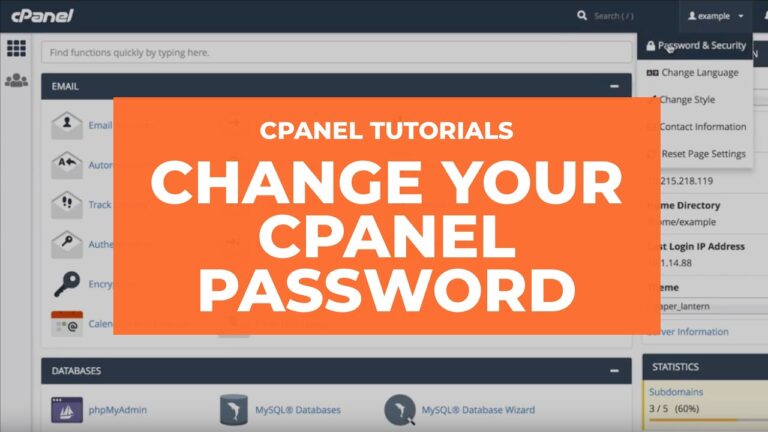
1. Log in to your cPanel to change the cPanel password. 2. Open the Password & Security tool from the menu bar of your cPanel. 3. Now enter your old password and then provide your new password twice as you…
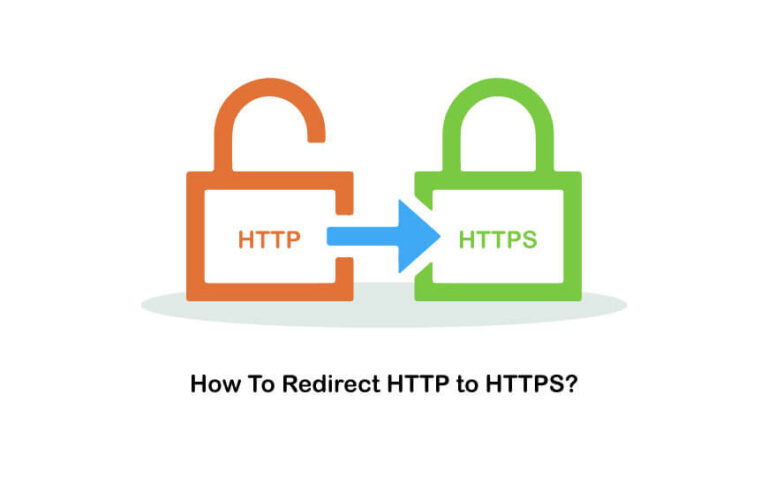
To redirect your domain from HTTP to HTTPS there are 2 methods. Method 1: 1. Log into your Cpanel and go to File Manager to Redirect HTTP to HTTPS 2. Go to public_html 3. Go to settings. 4. Check on…
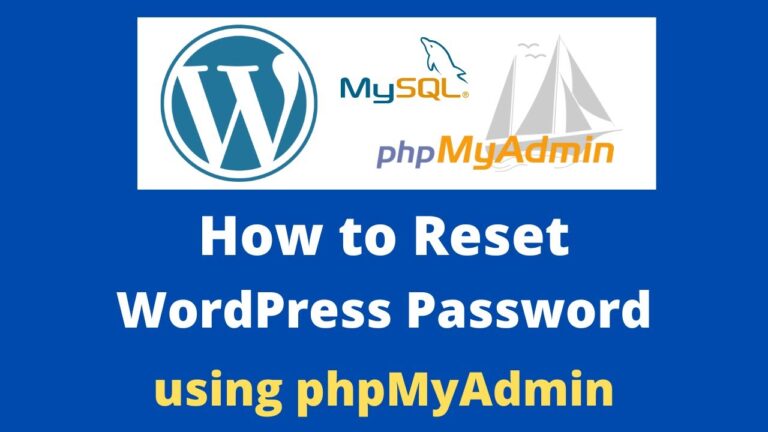
1. Log into the cPanel user interface to Reset WordPress Password from phpMyAdmin 2. Search phpMyAdmin or Click phpMyAdmin from the Databases section This will launch the phpMyAdmin app where you need to select your Word-Press database. 3. Look for…
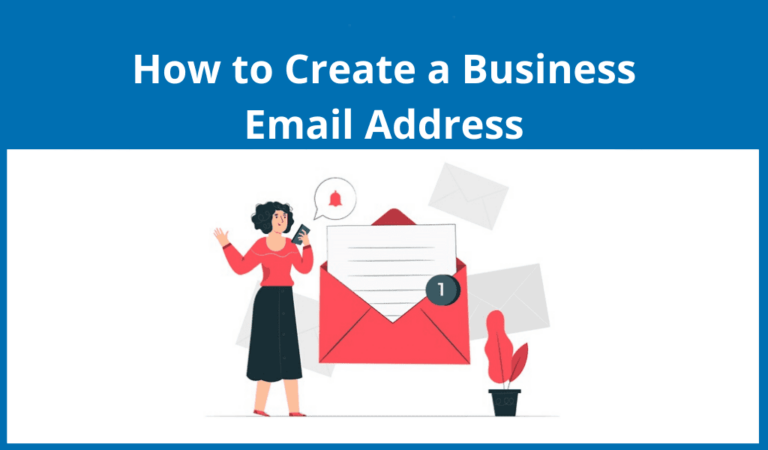
1. Log into your Cpanel and go to Email Accounts to Create Business Mail. 2. Form there go to create. 3. There select the domain for the business mail, enter the user name, enter a password for the mail (Generate…

To increase WordPress memory limit follow the steps : 2. Search MultiPHP INI Editor or select from the Software section of the cPanel dashboard 3. Select your domain 4. Change the memory_limit to 128M or some other number to the…