
How to Manage DNS Records from Cloudflare
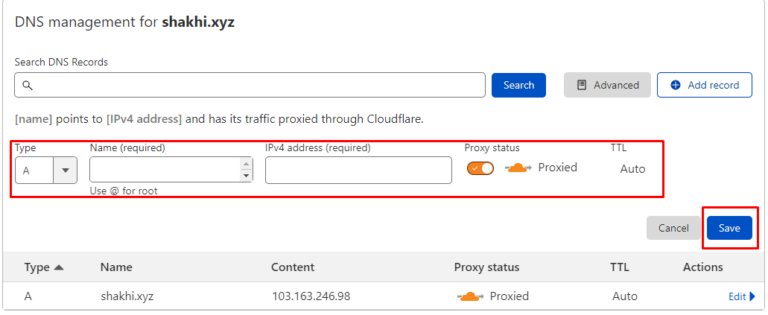
Here is the guide follow it step by step: 1. Log into your Cloudflare account. In the dashboard, you will see the domain hosted in Cloudflare. Click on the domain. 2. Go to DNS option. 3. Here you can see…

Here is the guide follow it step by step: 1. Log into your Cloudflare account. In the dashboard, you will see the domain hosted in Cloudflare. Click on the domain. 2. Go to DNS option. 3. Here you can see…

install cPanel in VPS method is given here : 2. Copy and paste the command below and press enter. cd /home && curl -o latest -L && sh latest Now wait for your cPanel to install. cPanel will be…
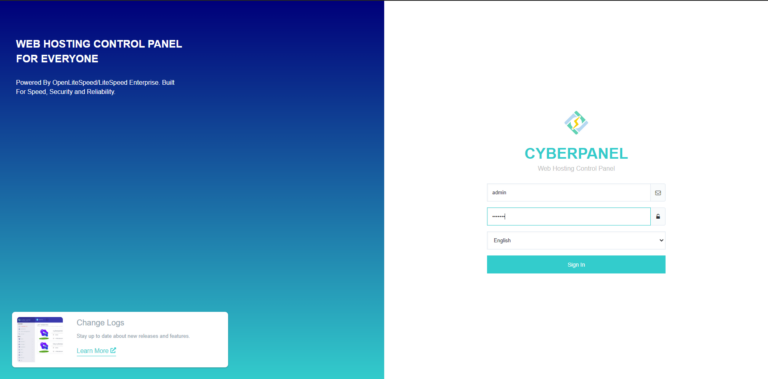
Install CyberPanel in the VPS method given here : 1. Log into your VPS from an SSH client (Putty). 2. Copy and paste this command into the terminal and run it. Command: sh <(curl || wget -O – )…

Here is the Top 12 Techniques to Website Speed Optimization : 1. Use a Content Delivery Network (CDN) A content delivery network is a set of web servers distributed across various geographical locations that provide web content to end users…
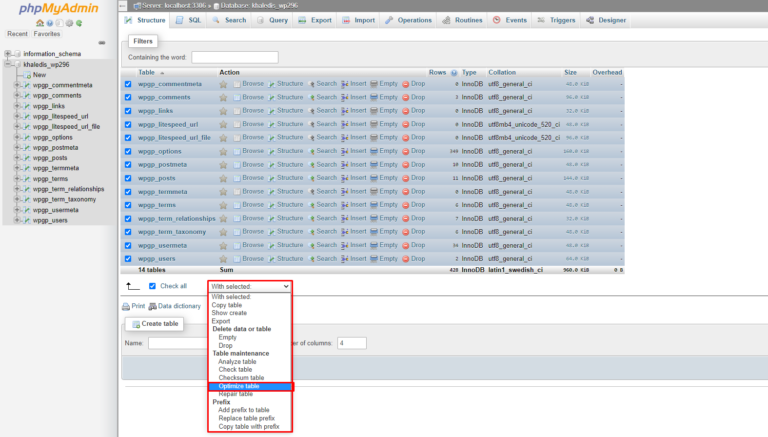
For Optimize Database via phpMyAdmin in cPanel at first : 3. Click on the database you want to optimize 4. Click on Check All 5. Click on the dropdown menu and select Optimize Table If you face any issues in…
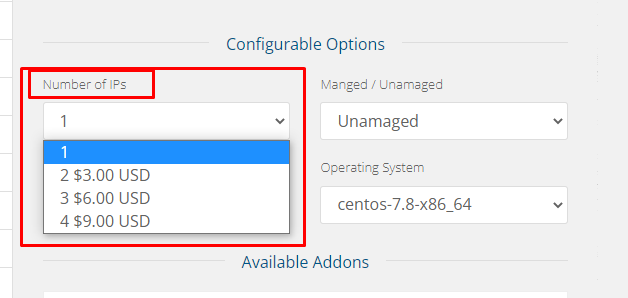
What is Managed VPS? Managed VPS Hosting is a managed service where you need not worry about anything related to server management. In Managed VPS Hosting, your service provider takes care of server maintenance like updating the core, software installation,…
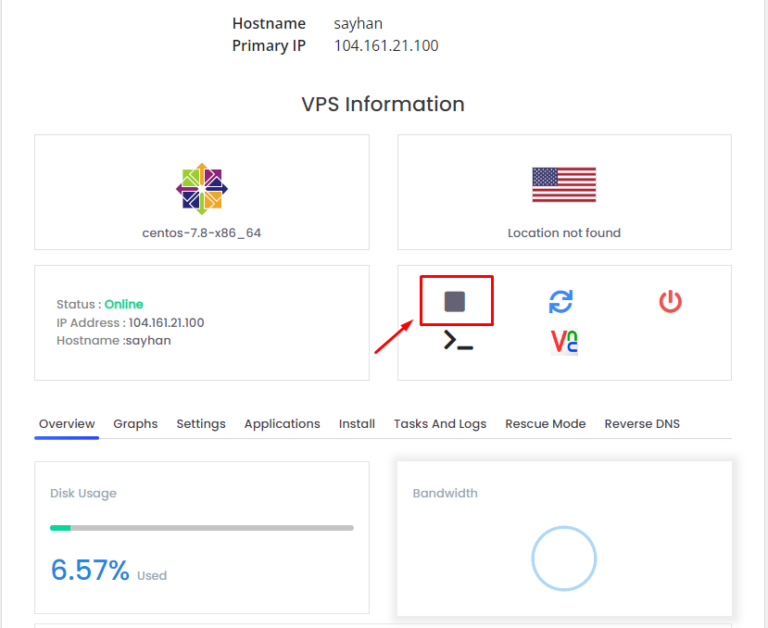
To know your VPS Server SSH Port follow the steps: 3. Scroll down a little bit 4. Click on the VNC icon, as below seen 6. Click Launch HTML 5 VNC Client It will open a window, as below seen-…
What is VPS? A Virtual Private Server (VPS) provides dedicated resources within a shared server, offering better performance, security and flexibility than shared hosting. It functions like a dedicated server at a lower cost, allowing customization, scalability and reliable hosting…
To connect VPS using SSH first, you have to download and install an SSH client like Putty. I will use putty to connect with my VPS. 2. Enter your VPS username and password. The password will be invisible so enter…