Why Does This Error Happen?
When you connect to MongoDB (especially Atlas or remote clusters) over a Windows Remote Desktop (RDP) session, the system must verify the server’s identity using SSL/TLS. If your Windows Root Certificates are out of date, the verification fails, resulting in a connection timeout or an explicit “Certificate Verify Failed” message.
The Solution: Updating Root Certificates via Certutil
The most efficient way to fix this without manual downloads is using the Windows built-in certutil tool to fetch fresh root certificates directly from Windows Update.
Step 1: Open Command Prompt as Administrator
You must have elevated privileges to modify the system certificate store.
- Click the Start menu.
- Type
cmd. - Right-click Command Prompt and select Run as Administrator.
Step 2: Generate the Root Certificate File
Run the following command to download and bundle the latest root certificates into a single file named roots.sst:
DOS
certutil -generateSSTFromWU roots.sst
This command tells Windows to contact the Windows Update (WU) servers and retrieve all current trusted root authorities.
Step 3: Install the Certificates to the Root Store
Now, import that bundle into your system’s trusted root store using this command:
DOS
certutil -addstore -f root roots.sst
The -f flag forces the operation, and root specifies the target store.
Additional Troubleshooting Tips
If the error persists after running the commands above, try these quick checks:
- Check System Time: SSL certificates are time-sensitive. If your RDP server’s date or time is incorrect, all certificates will appear invalid.
- Update Drivers/Shell: If you are using an older version of
mongoshor a Python driver (like PyMongo), ensure they are updated to the latest version. - Firewall Ports: Ensure port
27017is open on your RDP server’s firewall to allow MongoDB traffic.
Conclusion
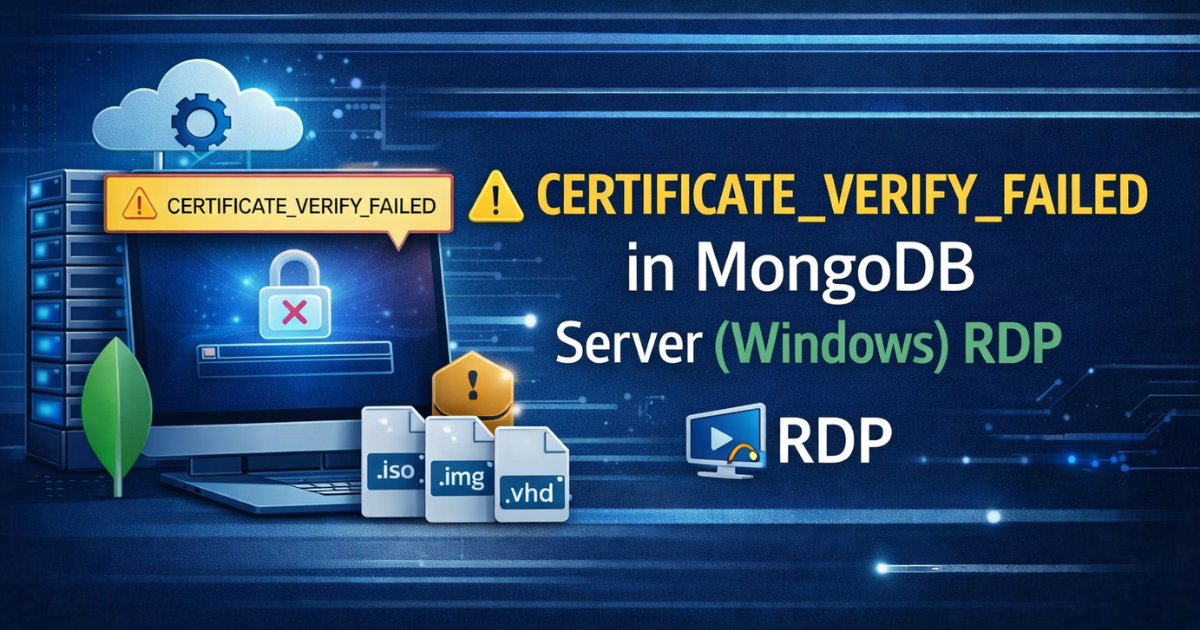
Resolving the CERTIFICATE_VERIFY_FAILED error in MongoDB is usually a matter of syncing your Windows root certificates. By using the certutil method, you ensure your Windows RDP environment is up to date with modern security standards.
Get High-Performance Web Hosting
Need a server where everything “just works”? Gotmyhost offers specialized Web Hosting with pre-configured security and performance optimizations. Sign up today and get up to 50% OFF your first order.