
How to Create Business Mail
1. Log into your Cpanel and go to Email Accounts to Create Business Mail. 2. Form there go to create. 3. There select the domain for the business mail, enter the user name, enter a password for the mail (Generate…

1. Log into your Cpanel and go to Email Accounts to Create Business Mail. 2. Form there go to create. 3. There select the domain for the business mail, enter the user name, enter a password for the mail (Generate…

To increase WordPress memory limit follow the steps : 2. Search MultiPHP INI Editor or select from the Software section of the cPanel dashboard 3. Select your domain 4. Change the memory_limit to 128M or some other number to the…
To install WordPress in a domain from Cpanel follow the steps : You will see the Softaculous panel like the screenshot below. Click on “Install Now”. Then you will see a page like below. The steps are described in the…

To buy a domain first you have to go to a domain provider’s website. I will use Gotmyhost (www.gotmyhost.com) . Go to the website, click on domain and go too domain registration option. In the box enter your domain name…

Here, we will learn how to install SSL on your domain from Cpanel. Step-1: First, log into your Cpanel. Then, you will see a search bar at the top of the page. Search for “Let’s Encrypt” and click the Let’s…
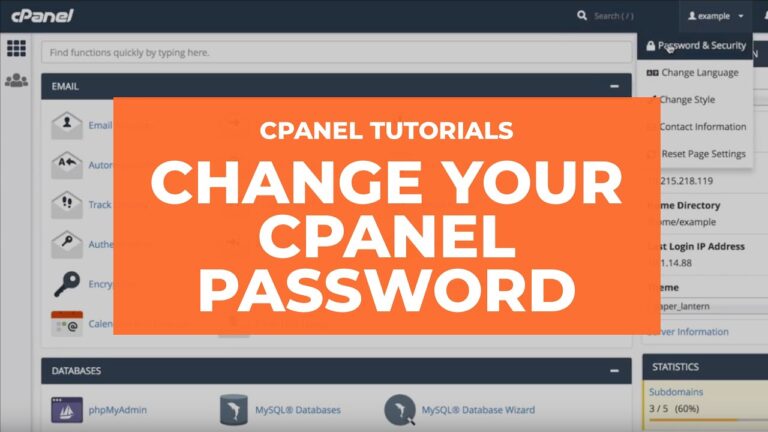
To change the Cpanel password follow this steps : First of all, keep in mind that you have an opportunity to log in your Hosting account directly from the Gotmyhost. Thus, you don’t need to remember your cPanel login details,…

Sub-domains can point to different sections of your website. In order to create a subdomain in your cpanel account, follow the next steps. 1. Log into your cPanel >> Domains section >> Domains For cPanel Basic Theme: 2.Click on Create…
Step 1 – Change the nameservers to set up a cPanel addon domain To begin with, you will need to point your domain name to our hosting nameservers: If your domain name is registered with a third-party registrar, contact their…