How to change the PHP version in cPanel

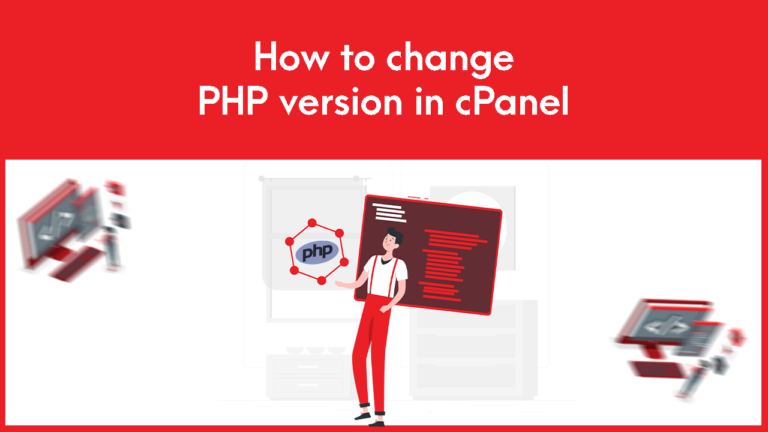
1. Log in to your cPanel to change the PHP version in cPanel 2. Search Multiphp Manager in the software section as below seen- 3. Check the box for the site or sites you wish to update – 4. Select…

1. Log in to your cPanel to change the PHP version in cPanel 2. Search Multiphp Manager in the software section as below seen- 3. Check the box for the site or sites you wish to update – 4. Select…

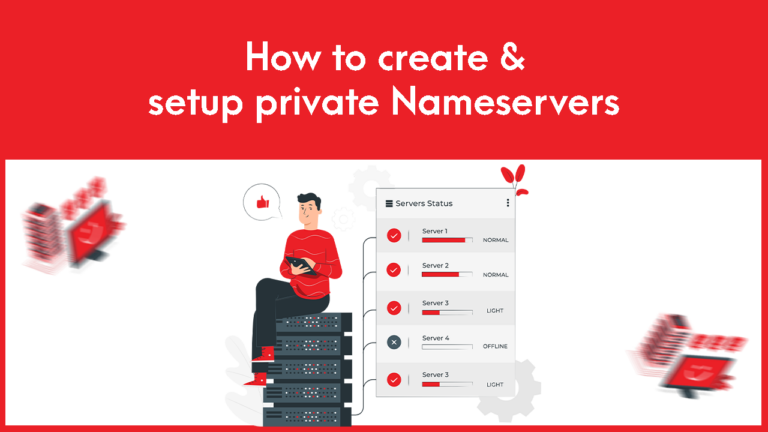
To create and set private name-servers: 1. Log into the Gotmyhost client area and go to domains to create and set private Nameservers: 2. Select the domain you want. 3. Go to private name servers. 4. Enter the name-server prefix…

1. Log into your Gmail account and go to settings for adding Web mail with Gmail. Login Into your Gmail 2. Go to Accounts and Import, go to Check email from other accounts, and click on Add an email account…

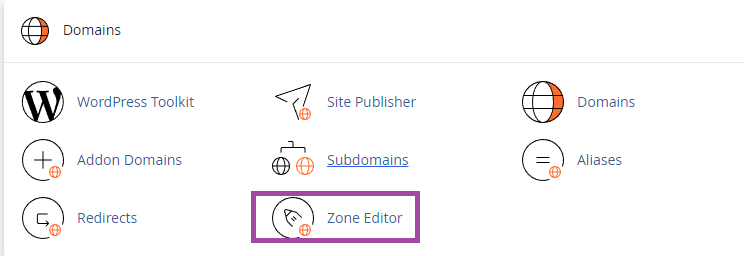
1. Log into the cPanel of the domain, search “zone” and go to Zone Editor to manage DNS Records from cPanel Zone Editor. 2. You will find an option to record and manage records here to manage DNS Records from…

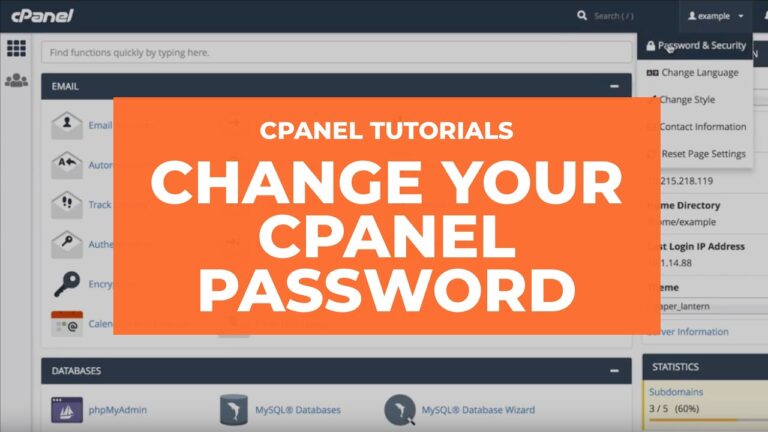
1. Log in to your cPanel to change the cPanel password. 2. Open the Password & Security tool from the menu bar of your cPanel. 3. Now enter your old password and then provide your new password twice as you…

To upgrade your Hosting package:1. Log into your GotMyHost client area account and go to services to upgrade the Hosting package. 2. Select the hosting package you want to upgrade. 3. Go to upgrade/downgrade option 4. Here you can see…

After creating your business email in cPanel browse your domain including-:2096 (e.g.) gotmyhost.com:2096After browsing you will see an interface of webmail as below shown to Login to Business Email. webmail Link – Domain/webmail/ Then provide your business mail and password…