
How to know your VPS Server SSH Port
To know your VPS Server SSH Port follow the steps: 3. Scroll down a little bit 4. Click on the VNC icon, as below seen 6. Click Launch HTML 5 VNC Client It will open a window, as below seen-…

To know your VPS Server SSH Port follow the steps: 3. Scroll down a little bit 4. Click on the VNC icon, as below seen 6. Click Launch HTML 5 VNC Client It will open a window, as below seen-…
To Redirect Domain from cPanel follow the steps: 2. Here first select the redirect type (permanent or temporary) depending on your need, then select the domain you want to redirect, then write the destination website where the domain will be…
To Clear Cache in WordPress follow the steps: To manage your site cache you have to use plugins. There are many plugins in the plugin store, we will use the LiteSpeed Cache plugin here. 3. Click on Purge All And…
To Install WordPress Cache Plugin follow the steps: 3. Search for the desired cache plugin you wish to install. Here, I will install the Lite Speed Cache plugin. You can install another plugin such as W3 Total Cache or you…
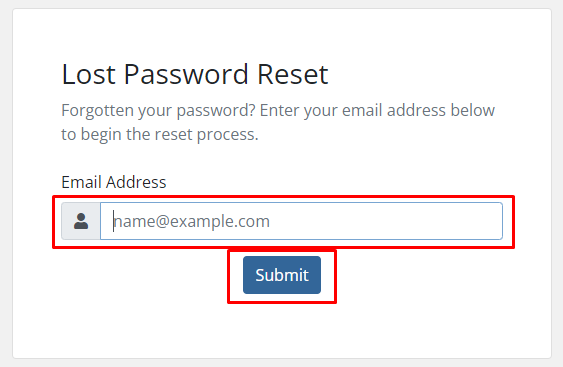
To Reset Client Area Password follow the steps: 2. Go to forgot password. 3. Enter your account email and submit. 4. A password reset request will be sent in your mail. 5. Click on reset your password. 6. You will…
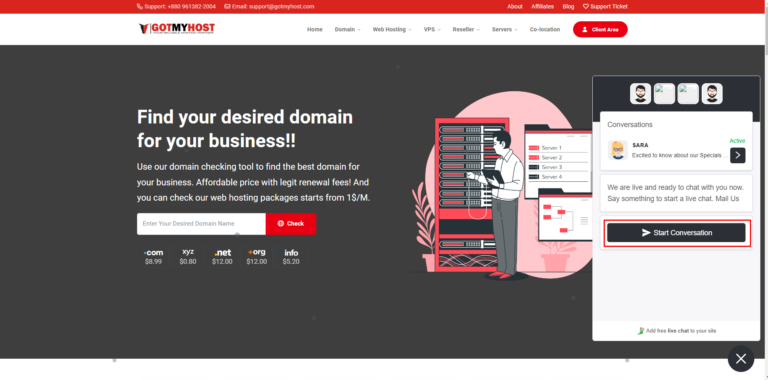
To Contact Gotmyhost Hosting Live Chat Support follow the steps: In mobile – It will show you a pop-up window of Live Chat. Then it will take you to the live-chat window, where one of the Gotmyhost support agents will…
To Check your WordPress Version follow the steps: There are numerous ways to determine the WordPress version. Way – 1 Press Ctrl + U or click the right button of your mouse on your page and click on the “view…
To Manage WordPress User follow the steps: 2. Enter your Username, email, and first and last name (you can keep it empty), generate a password, select the role for the user, and click Add new user. 3. You can see…
To Add New WordPress User follow the steps: 3. Fill up all required information and select Role from the dropdown menu and click Add New User That’s it, adding a new WordPress User is done. if you face any issues…
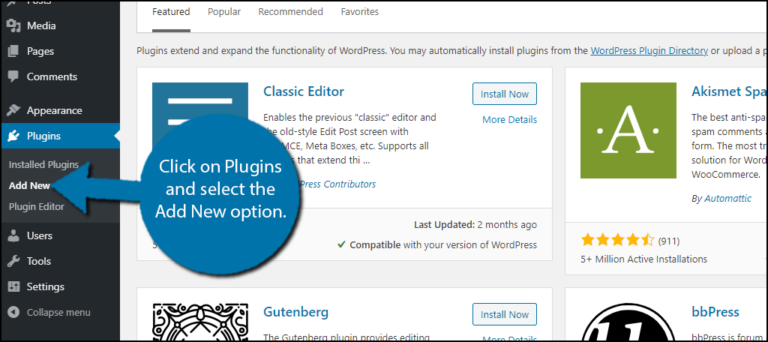
Use these steps to Install & Disable WordPress Plugins: 1. Log in to your WordPress 2.Hover on Plugins from the left side of the WordPress menu bar and click on Add new 3. You can select your desired plugins here…