
How to connect Web Mail with Gmail

1. Log into your Gmail account and go to settings for adding Web mail with Gmail. Login Into your Gmail 2. Go to Accounts and Import, go to Check email from other accounts, and click on Add an email account…


1. Log into your Gmail account and go to settings for adding Web mail with Gmail. Login Into your Gmail 2. Go to Accounts and Import, go to Check email from other accounts, and click on Add an email account…
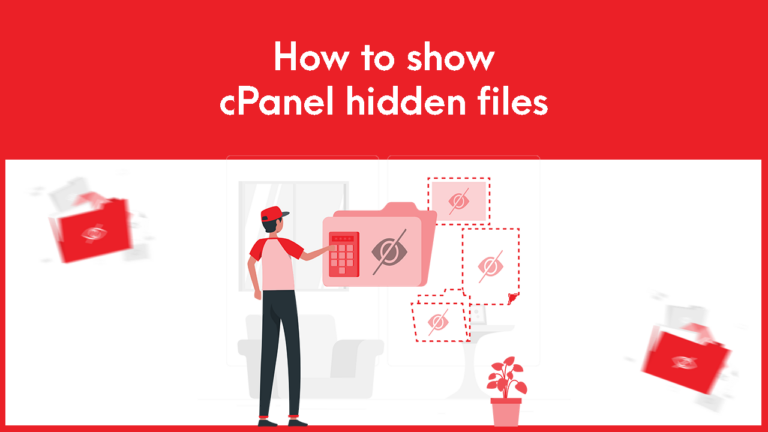
1. Log in to your cPanel to show cPanel hidden files 2. By default, when you use the File Manager in cPanel, it doesn’t show hidden files. Hidden files are any file that begins with a dot, such as .htaccess. .htaccess is a…
1. This content is about creating an FTP account in Cpanel. FTP user accounts have direct access to your website’s files. They can upload, download, delete, and change permissions on most files in the directories they have access to. Most…
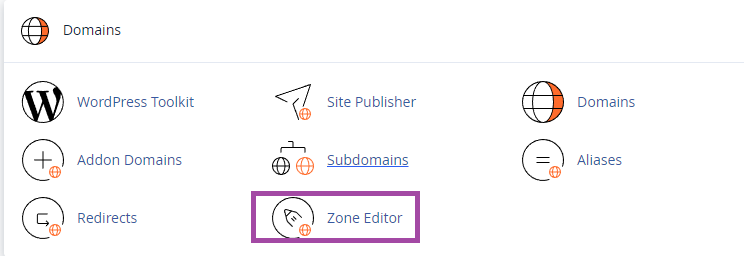
1. Log into the cPanel of the domain, search “zone” and go to Zone Editor to manage DNS Records from cPanel Zone Editor. 2. You will find an option to record and manage records here to manage DNS Records from…
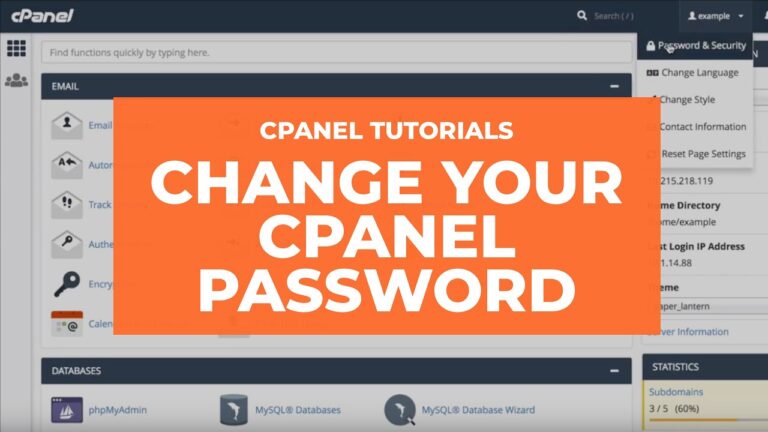
1. Log in to your cPanel to change the cPanel password. 2. Open the Password & Security tool from the menu bar of your cPanel. 3. Now enter your old password and then provide your new password twice as you…
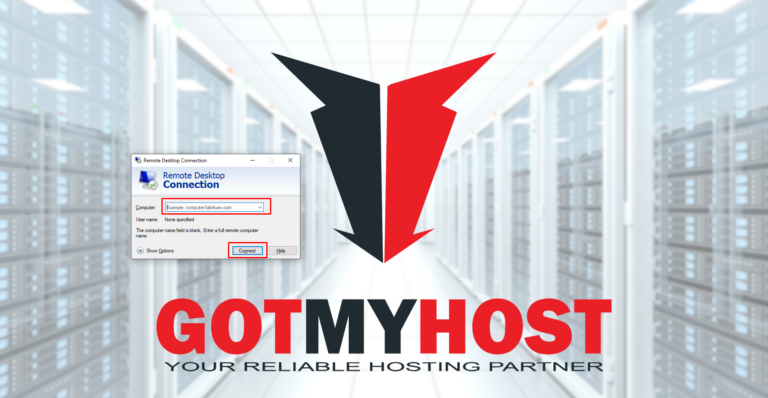
1. Search Remote Desktop Connection or search RDP (-in short) from the start menu. 2. Enter your server IP address in the Computer field. And click on Connect. 3. Enter your server Username and password then click ok. 4. Your server’s desktop…
To upgrade your Hosting package:1. Log into your GotMyHost client area account and go to services to upgrade the Hosting package. 2. Select the hosting package you want to upgrade. 3. Go to upgrade/downgrade option 4. Here you can see…
1. Log in to your Gotmyhost account. Then click on Billing from the menu bar to add funds to your account. Click on Add Fund, Which will navigate you to the Add Fund page 2. After clicking on Add fund,…
To pay the due invoice first log into your client area account 1. Go to Invoices to pay Due Invoice from Client Area Gotmyhost 2. Go to the unpaid invoice. Click on the invoice. 3. Here select your payment method click Pay…
Click on Client Area from the Gotmyhost site to Register a Gotmyhost Hosting Account! It will take you to the Gotmyhost account log-in page 2. Click on Create account as below shown. It will direct you to a registration page…