How to Remove WordPress from Softaculous

How to Remove WordPress from Softaculous

1. Log in to cPanel to Remove WordPress from Softaculous. 2. Search Softaculous Apps Installer in your cPanel. 3. Click Installations to Remove WordPress from Softaculous 4. Locate the WordPress website and click on the delete Icon that you wish…

How to change the PHP version in cPanel

How to change the PHP version in cPanel

1. Log in to your cPanel to change the PHP version in cPanel 2. Search Multiphp Manager in the software section as below seen- 3. Check the box for the site or sites you wish to update – 4. Select…

How to create & setup private Nameservers

How to create & setup private Nameservers

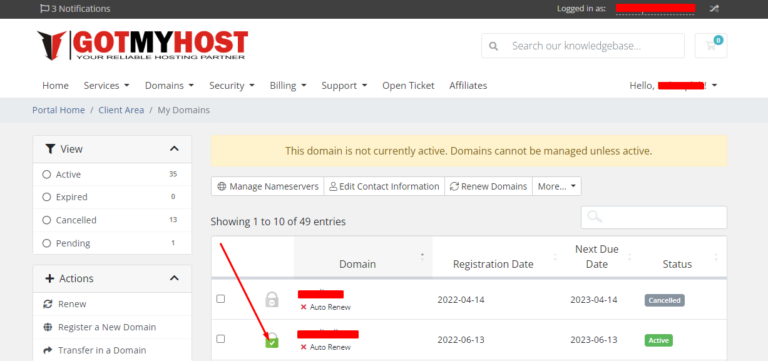
To create and set private name-servers: 1. Log into the Gotmyhost client area and go to domains to create and set private Nameservers: 2. Select the domain you want. 3. Go to private name servers. 4. Enter the name-server prefix…

How to connect VPS using SSH

How to connect VPS using SSH

To connect VPS using SSH first, you have to download and install an SSH client like Putty. I will use putty to connect with my VPS. 2. Enter your VPS username and password. The password will be invisible so enter…

How to show cPanel hidden files

How to show cPanel hidden files

1. Log in to your cPanel to show cPanel hidden files 2. By default, when you use the File Manager in cPanel, it doesn’t show hidden files. Hidden files are any file that begins with a dot, such as .htaccess. .htaccess is a…