
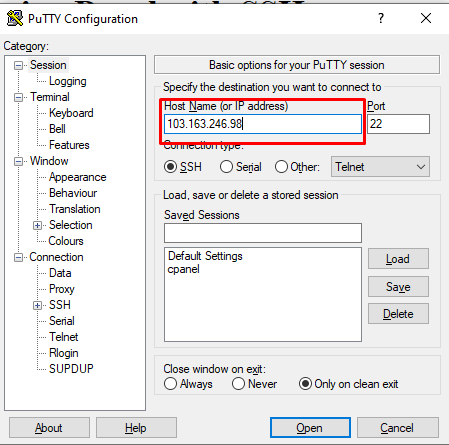
How to Login cPanel with SSH
To Login cPanel with SSH follow this steps: 3. A terminal will open. Enter your cpanel user name and…

Lorem ipsum dolor sit amet, consectetur adipiscing elit, sed do eiusmod tempor incididunt ut labore et dolore magna aliqua. Faucibus turpis in eu mi bibendum neque egestas congue quisque.
To Login cPanel with SSH follow this steps: 3. A terminal will open. Enter your cpanel user name and…
To know your VPS Server SSH Port follow the steps: 3. Scroll down a little bit 4. Click on…

To Permanently Delete All Email from Webmail follow the steps: 3. Click on the manage of inbox section. 4. Select…

To Redirect Domain from cPanel follow the steps: 2. Here first select the redirect type (permanent or temporary) depending…

To Clear Cache in WordPress follow the steps: To manage your site cache you have to use plugins. There…

To Install WordPress Cache Plugin follow the steps: 3. Search for the desired cache plugin you wish to install.…
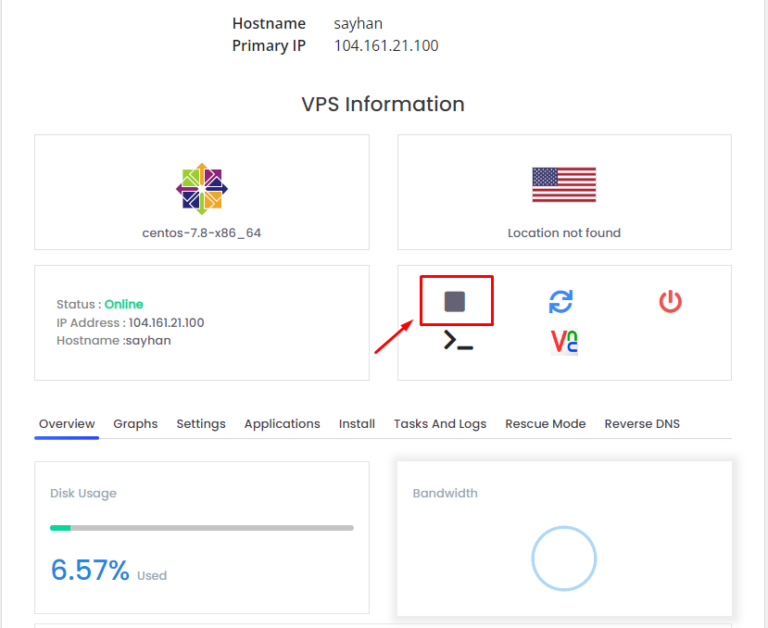
What is VPS? A Virtual Private Server (VPS) provides dedicated resources within a shared server, offering better performance, security…
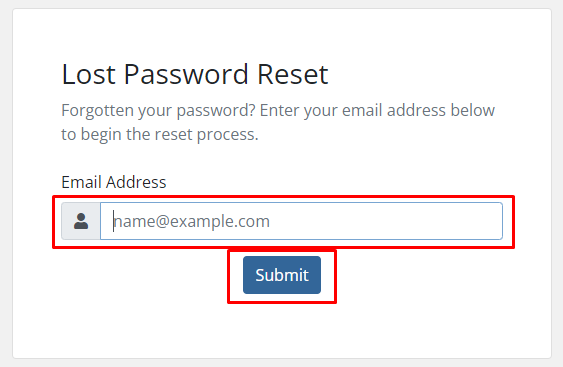
To Reset Client Area Password follow the steps: 2. Go to forgot password. 3. Enter your account email and…
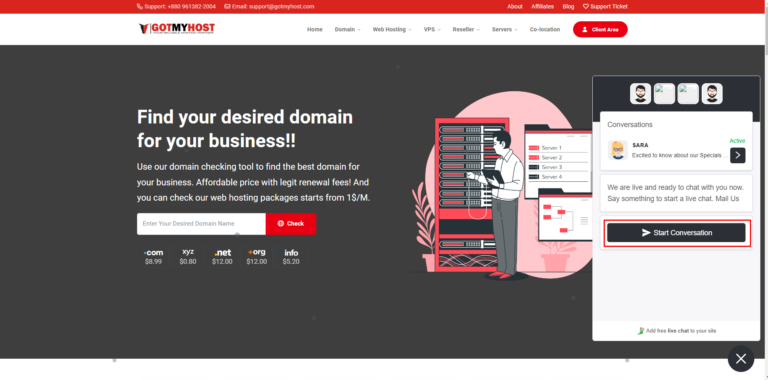
To Contact Gotmyhost Hosting Live Chat Support follow the steps: In mobile – It will show you a pop-up…
To Check your WordPress Version follow the steps: There are numerous ways to determine the WordPress version. Way –…