
How to show cPanel hidden files
1. Log in to your cPanel to show cPanel hidden files 2. By default, when you use the File…

Lorem ipsum dolor sit amet, consectetur adipiscing elit, sed do eiusmod tempor incididunt ut labore et dolore magna aliqua. Faucibus turpis in eu mi bibendum neque egestas congue quisque.
1. Log in to your cPanel to show cPanel hidden files 2. By default, when you use the File…
1. This content is about creating an FTP account in Cpanel. FTP user accounts have direct access to your…
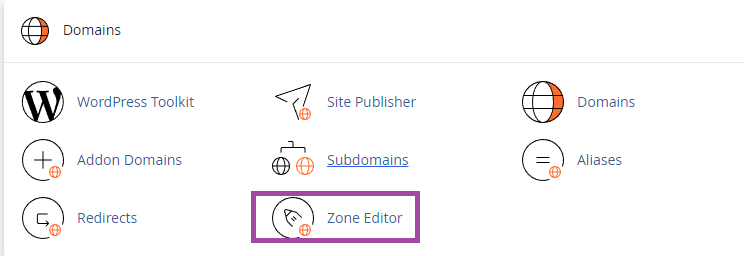
1. Log into the cPanel of the domain, search “zone” and go to Zone Editor to manage DNS Records…
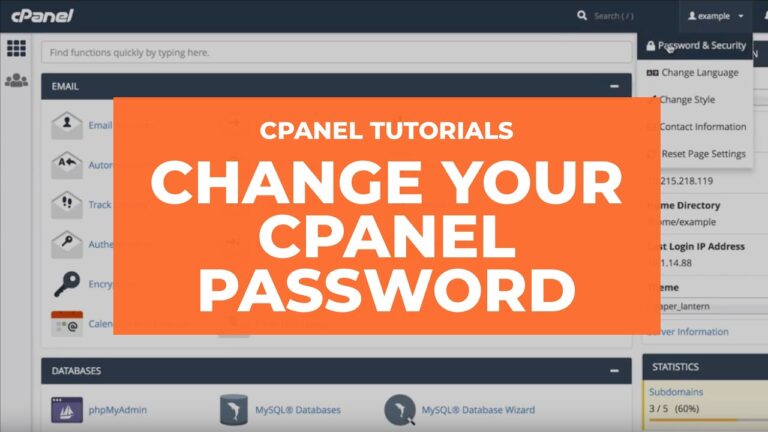
1. Log in to your cPanel to change the cPanel password. 2. Open the Password & Security tool from…
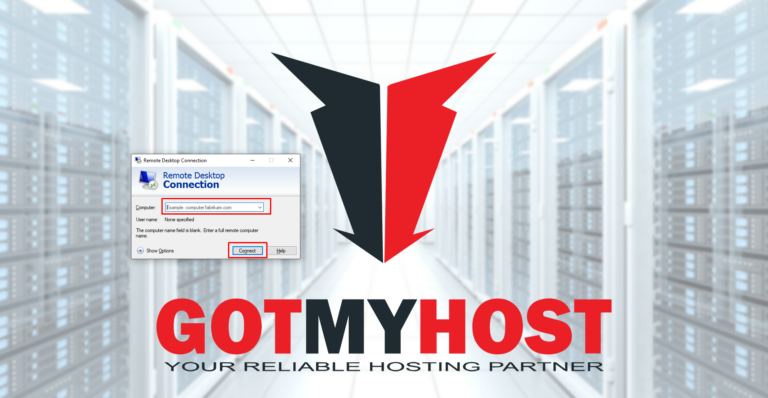
1. Search Remote Desktop Connection or search RDP (-in short) from the start menu. 2. Enter your server IP…
To upgrade your Hosting package:1. Log into your GotMyHost client area account and go to services to upgrade the…
1. Log in to your Gotmyhost account. Then click on Billing from the menu bar to add funds to…
To pay the due invoice first log into your client area account 1. Go to Invoices to pay Due…
Click on Client Area from the Gotmyhost site to Register a Gotmyhost Hosting Account! It will take you to…
First, go to the website (www.gotmyhost.com) and click on the Client area. Enter your email and password and click…