Category Hosting

How to Redirect Domain from cPanel

How to Redirect Domain from cPanel

To Redirect Domain from cPanel follow the steps: 2. Here first select the redirect type (permanent or temporary) depending on your need, then select the domain you want to redirect, then write the destination website where the domain will be…

How to Clear Cache in WordPress

How to Clear Cache in WordPress

To Clear Cache in WordPress follow the steps: To manage your site cache you have to use plugins. There are many plugins in the plugin store, we will use the LiteSpeed Cache plugin here. 3. Click on Purge All And…

How to Check your WordPress Version

How to Check your WordPress Version

To Check your WordPress Version follow the steps: There are numerous ways to determine the WordPress version. Way – 1 Press Ctrl + U or click the right button of your mouse on your page and click on the “view…

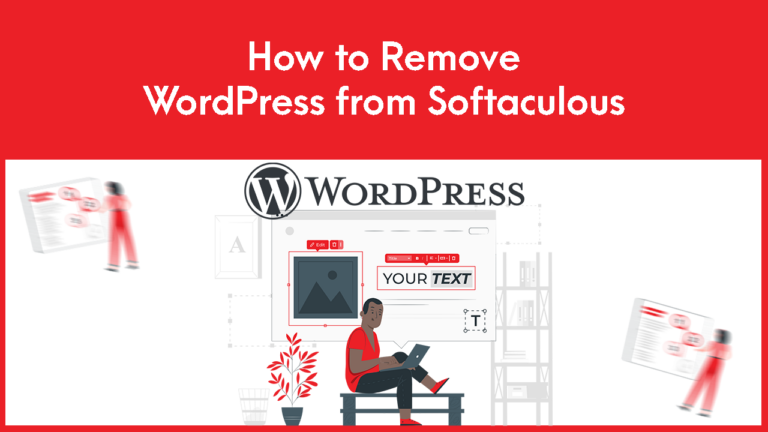
How to Remove WordPress from Softaculous

How to Remove WordPress from Softaculous

1. Log in to cPanel to Remove WordPress from Softaculous. 2. Search Softaculous Apps Installer in your cPanel. 3. Click Installations to Remove WordPress from Softaculous 4. Locate the WordPress website and click on the delete Icon that you wish…

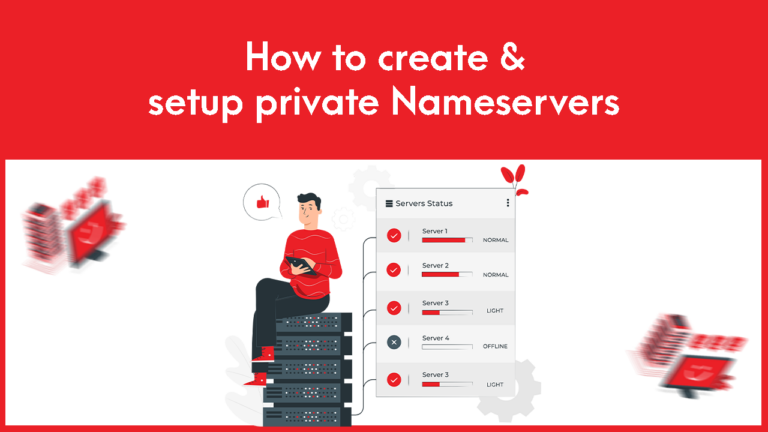
How to create & setup private Nameservers

How to create & setup private Nameservers

To create and set private name-servers: 1. Log into the Gotmyhost client area and go to domains to create and set private Nameservers: 2. Select the domain you want. 3. Go to private name servers. 4. Enter the name-server prefix…