Category WordPress

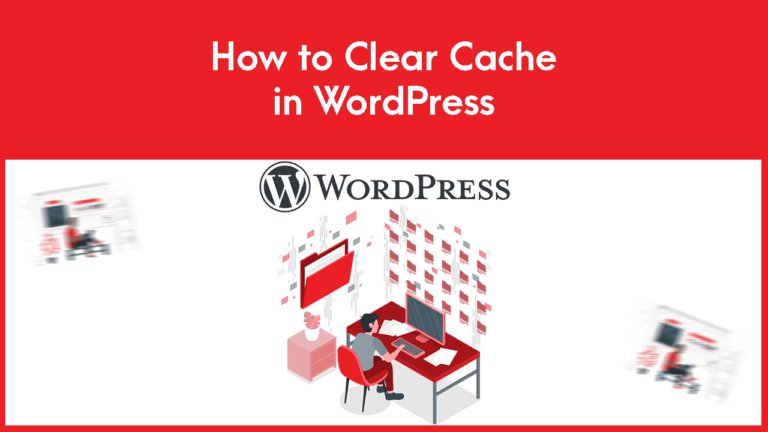
How to Clear Cache in WordPress

How to Clear Cache in WordPress

To Clear Cache in WordPress follow the steps: To manage your site cache you have to use plugins. There are many plugins in the plugin store, we will use the LiteSpeed Cache plugin here. 3. Click on Purge All And…

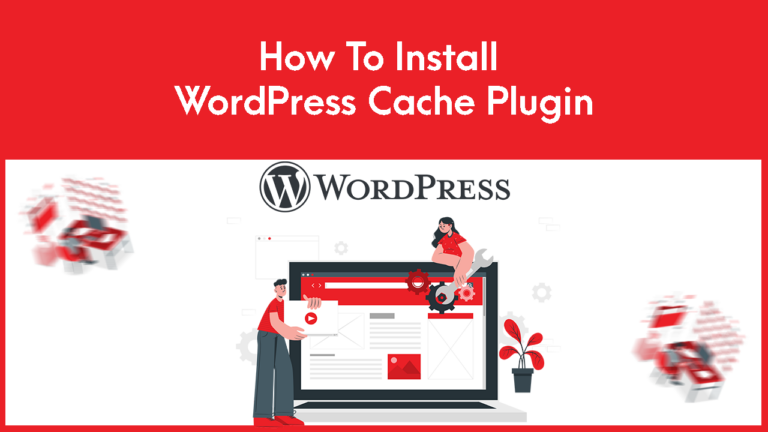
How to Install WordPress Cache Plugin

How to Install WordPress Cache Plugin

To Install WordPress Cache Plugin follow the steps: 3. Search for the desired cache plugin you wish to install. Here, I will install the Lite Speed Cache plugin. You can install another plugin such as W3 Total Cache or you…

How to Check your WordPress Version

How to Check your WordPress Version

To Check your WordPress Version follow the steps: There are numerous ways to determine the WordPress version. Way – 1 Press Ctrl + U or click the right button of your mouse on your page and click on the “view…

How to Remove WordPress from Softaculous

How to Remove WordPress from Softaculous

1. Log in to cPanel to Remove WordPress from Softaculous. 2. Search Softaculous Apps Installer in your cPanel. 3. Click Installations to Remove WordPress from Softaculous 4. Locate the WordPress website and click on the delete Icon that you wish…